
Hardware
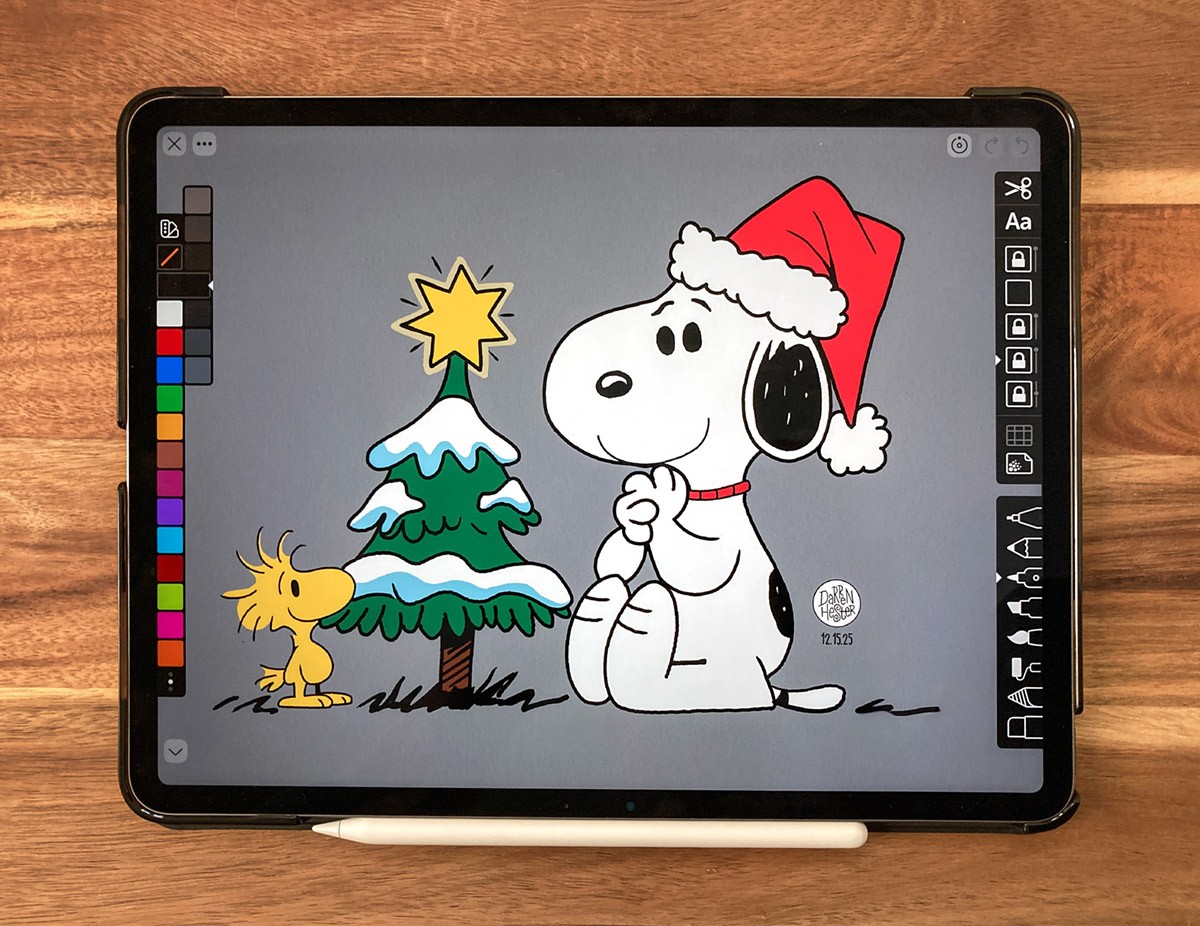
When it comes to digital art, I haven’t found anything better than the iPad and Apple Pencil. Last year, I upgraded to the 13-inch iPad Air M3 and have loved the larger screen, which gives me more room for detailed sketches and makes gesture controls feel much more natural. The M3 chip has also eliminated brush lag in drawing apps, making the overall experience feel smoother and more like drawing on paper.
Software
There are dozens of drawing apps for the iPad. I’ve tried most of them, but I keep coming back to these three.
- Linea Sketch - Do more with less. Linea Sketch strikes the right balance of power and control, letting you draw with ease. The focus stays where it belongs: on your creations, not the tools.
- Procreate - Comes with an extensive library of brushes, from pencils and inks to charcoal and expressive painterly brushes that add rich texture to your work.
- Adobe Fresco - Paint, sketch, and animate in a powerful, portable drawing app with thousands of brushes and professional features, completely free to use.